
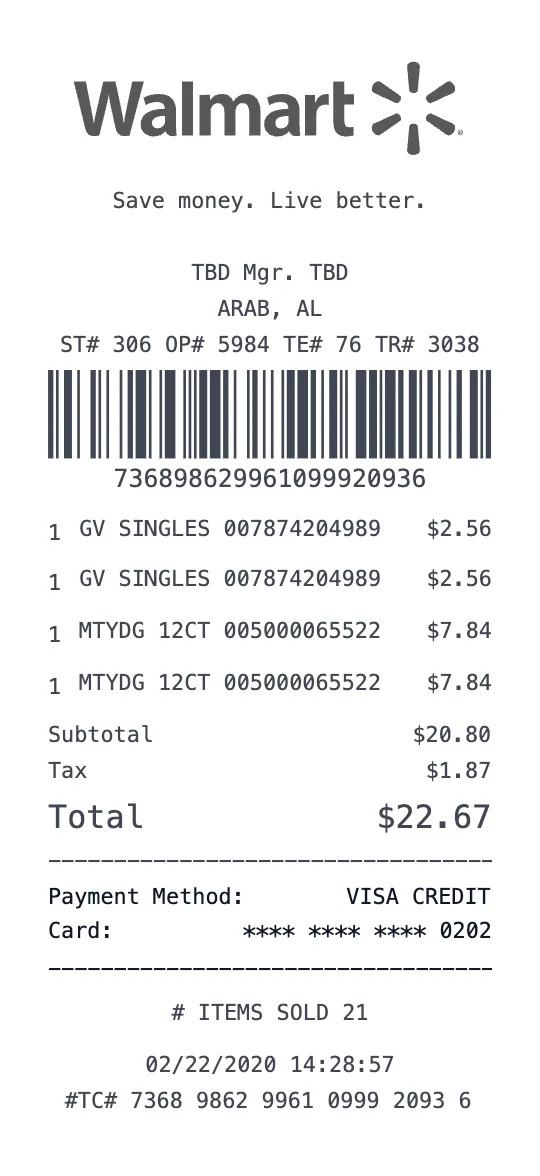
Generate a Walmart receipt using our alternative Style 2 layout with our professional receipt maker. Walmart operates over 4,700 stores across the United States and is the world's largest retailer by revenue. This second Walmart receipt template offers a different layout variation compared to Style 1, featuring the barcode placement near the top of the receipt — a format used by certain Walmart store regions and updated POS systems. Both styles are authentic Walmart receipt formats.
Walmart Style 2 receipts place the transaction barcode immediately below the header and store information, before the item listing — compared to Style 1 which places the barcode at the bottom. This format is used by some Walmart Supercenter and Neighborhood Market locations. The receipt still includes the full store header (Walmart, store number, address, phone, manager name), item details with UPC codes, and the 'SAVE MONEY. LIVE BETTER.' tagline.
Like Style 1, this template includes all Walmart-specific formatting: department codes, UPC numbers, item descriptions, tax indicators (T for taxable, X for tax-exempt), quantity pricing for multi-packs, weight-based pricing for produce and deli, and the total savings calculation. The Walmart Rewards / Walmart+ membership section appears at the bottom with savings tracking and free delivery eligibility.
This alternative layout is frequently used in Walmart stores that have been recently renovated or upgraded to newer POS systems. The visual difference is subtle but important for receipt accuracy — if you've visited a Walmart where the barcode appears at the top of your receipt, this is the template you want to use. Our generator lets you choose whichever layout matches your needs.
Perfect for all the same use cases as Style 1: return documentation (Walmart's 90-day return policy), warranty registration, household budgeting, WIC/EBT item tracking, Walmart+ savings optimization, and expense reporting. All fields fully customizable — download free.
Key Features of our Walmart Supercenter Template
Top Barcode Placement
Barcode appears near the top of the receipt below the header — matching the format used by renovated and newer Walmart POS systems.
Full Walmart Formatting
Includes store header, department codes, UPC numbers, tax indicators, savings calculation, and 'SAVE MONEY. LIVE BETTER.' tagline.
Walmart+ Integration
Shows Walmart+ membership status, delivery savings, fuel discounts, and exclusive member pricing.
90-Day Return Policy
Includes return policy notice with calculated return-by date for easy reference.
Tax Indicators
Items marked with T (taxable), X (tax-exempt), or F (food stamp eligible) matching real Walmart receipt codes.
Savings Summary
Displays total savings from rollbacks, clearance, and Walmart+ benefits at the bottom of the receipt.
How to Generate a Walmart Supercenter Receipt
Create your custom document in three simple steps.
Load Template
The Walmart Supercenter template is pre-loaded with the correct logo, address format, and column layout.
Customize Data
Click any field to edit. Add your specific items, set the date to today (or any past date), and adjust prices.
Export & Print
Download high-res PDF or JPG. For best results, print on thermal paper or use our "Thermal Texture" setting.
Why Use This Walmart Supercenter Receipt Template?
Return Processing
Both Walmart receipt styles are accepted for returns within 90 days. Use Style 2 if your local Walmart uses the top-barcode format.
Budget Tracking
Document Walmart shopping trips for household budget management with itemized receipts showing department totals and savings.
Warranty Registration
Register electronics and appliance warranties with Walmart receipts showing UPC, item description, price, and purchase date.
Expense Reporting
Submit Walmart receipts for business supply purchases with tax breakdown and payment details for corporate reimbursement.
Frequently Asked Questions
Common questions about creating Walmart Supercenter receipts.
How is Style 2 different from Style 1?
Which Style should I use?
Does it include all the same details?
Can I add Walmart+ details?
Is this free?
Learn More
Free Walmart Receipt Maker
Tips, FAQs, and a complete walkthrough for creating realistic Walmart Supercenter receipts.
You Might Also Like
Other Grocery receipt templates you can customize
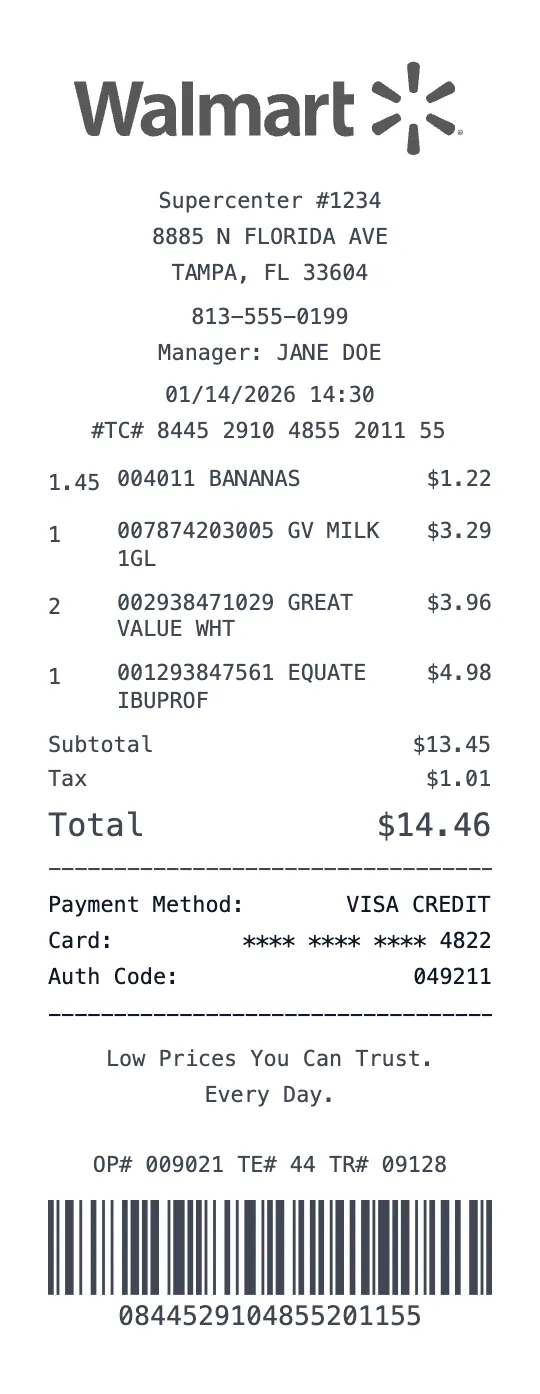
Walmart Supercenter Receipt Template
Grocery Template
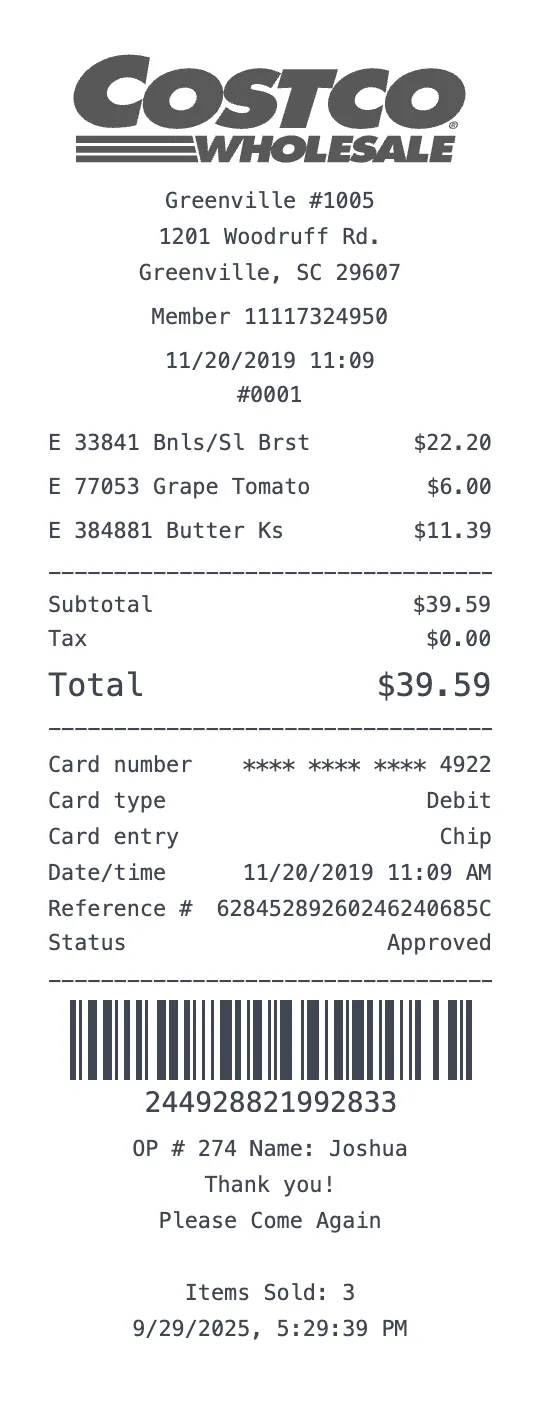
Costco Wholesale Receipt Template
Grocery Template
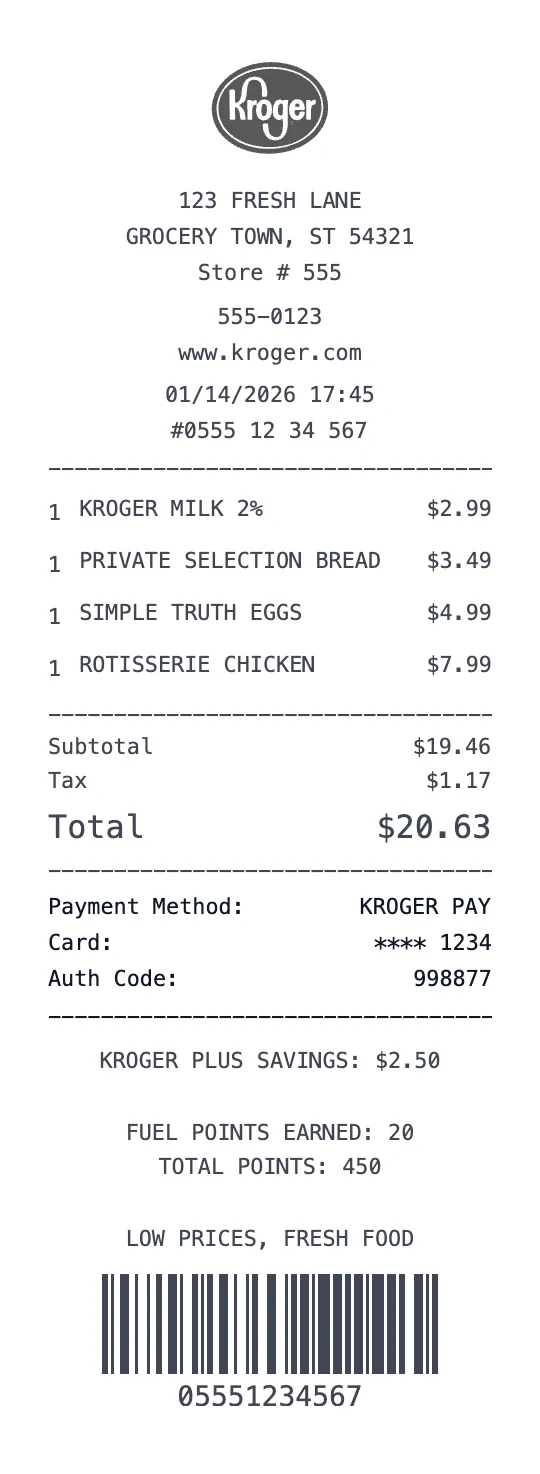
Kroger Receipt Template
Grocery Template
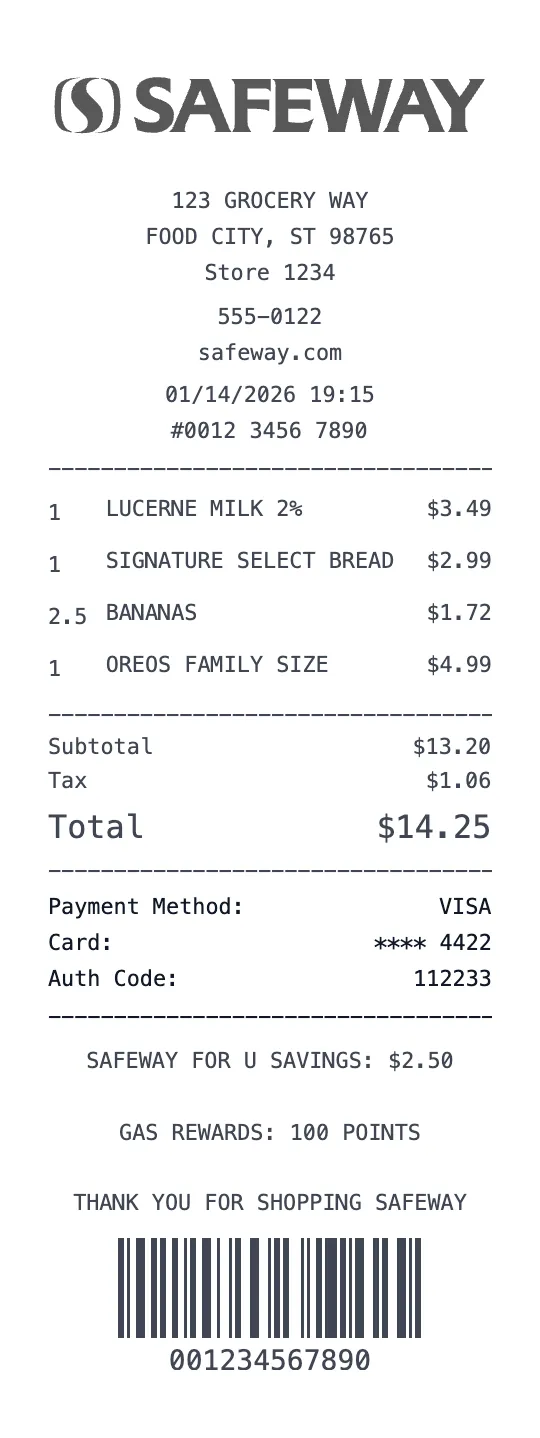
Safeway Receipt Template
Grocery Template
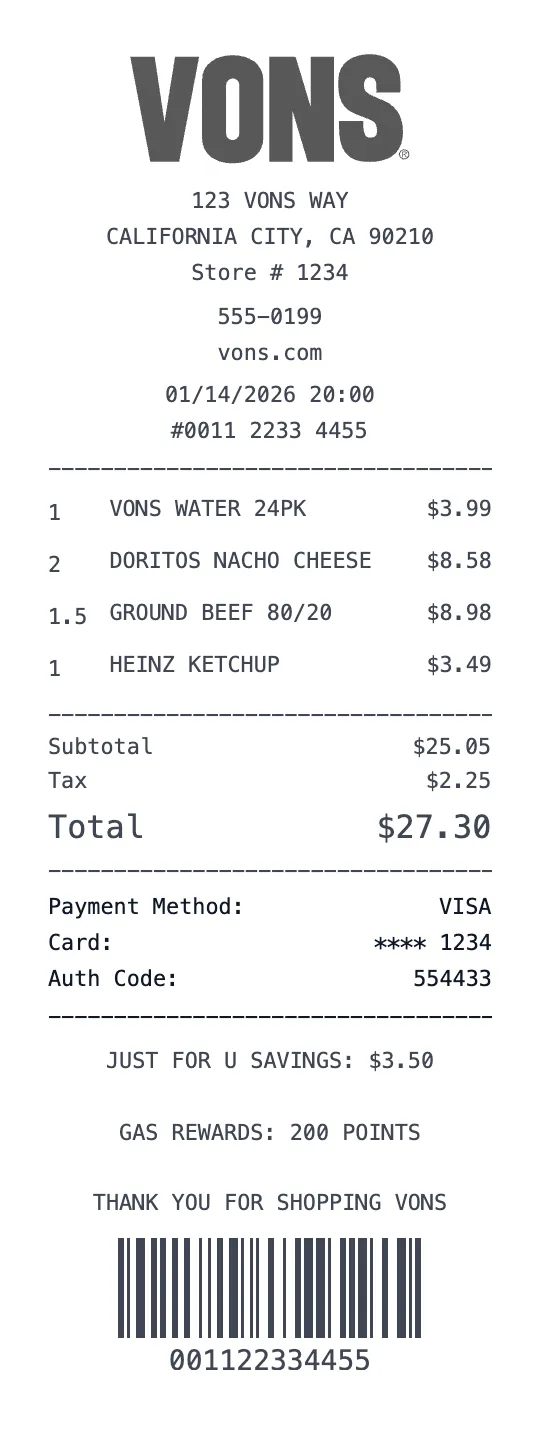
Vons Receipt Template
Grocery Template

Sam's Club Receipt Template
Grocery Template